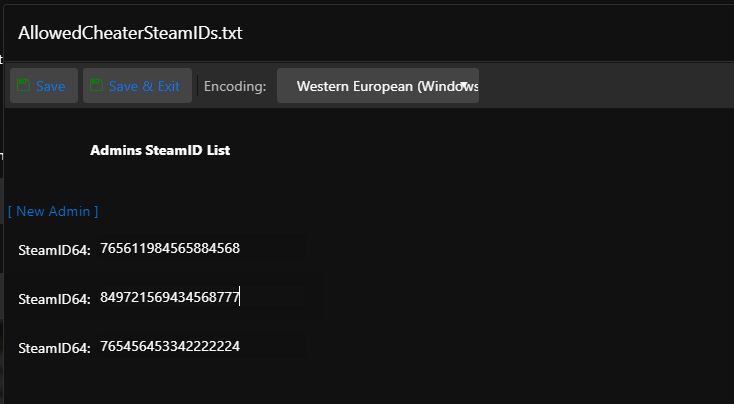
To grant administrator rights, follow these steps:
- Open https://steamid.io/lookup, enter the URL of the Steam profile, and note the SteamID64.
- Open the game panel and click Configuration Files.
- Open AllowedCheaterSteamIDs.txt and add the SteamID64. Alternatively, open the Configuration Editor and click New Admin.
To add more administrators, repeat these steps for each Steam profile and SteamID64.
Start or restart the server, connect to it, and enter cheat ListPlayers in the console. If your name appears, your administrator rights are active.