The ExclusiveJoin feature restricts server access to players listed in the whitelist.
- Open Commandline Manager.
- Select the Custom Commandlines tab.
- Click + New.
- Configure the required options and enable ExclusiveJoin.
- Click Save.
- Click Select.
- Open Configuration Files.
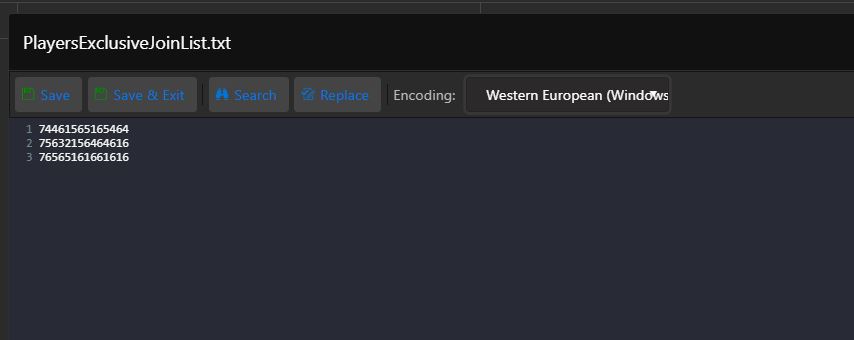
- Click Text Editor for PlayersExclusiveJoinList and add the SteamID64 values. You can find them at https://steamid.io/lookup.
- The result should match the image below.
- Start the server.