
To create a complete server backup, click Server Backup in the main menu and confirm that the task should run.

The backups are stored in the Backups folder, which you can open using File Manager.
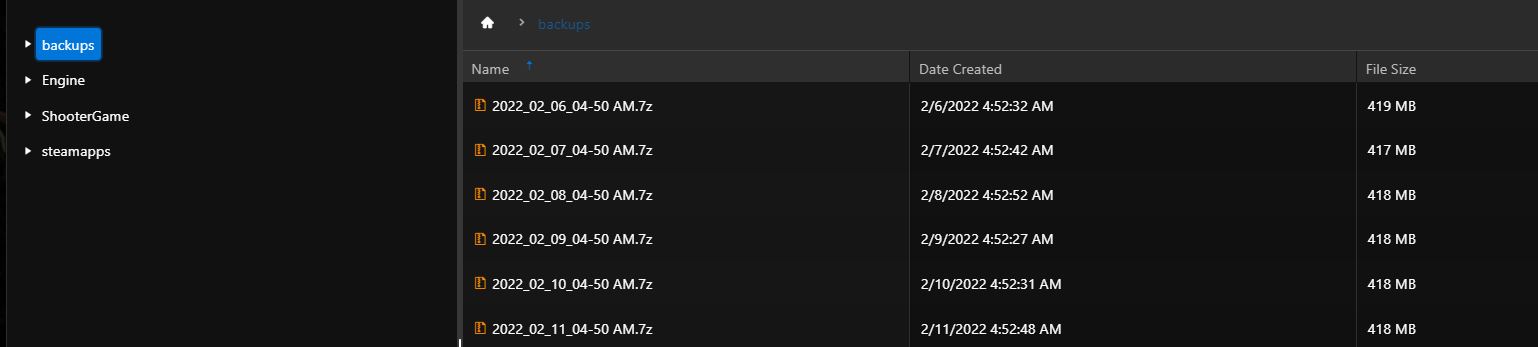
The backup script automatically deletes backups older than 10 days.
To create backups automatically, for example at night, configure a scheduled task. See https://pay.czechchillout.cz/index.php/knowledgebase/61/9-scheduled-tasks.html.
To restore a server backup:
- Stop the server.
- Click Restore Server Backup in the main menu.
- Select a backup from the drop-down list. The backup name contains its creation date and time. If the list is empty, no server backup is available.
- Click Execute.
- After the confirmation appears, start the server.
