- Stop the server.
- Open Configuration Files.
- Click Configuration Editor for ServerSettings.ini.
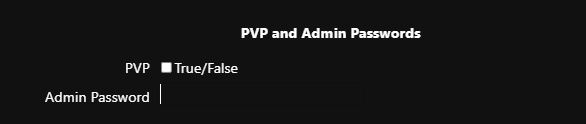
- Locate Admin Password in the first section.
- Set the required password.
- Click Save and Close.
- Start the server.
- In the game, press Esc and open Settings.
- Open Server Settings, click Make Me Admin, enter the password, and confirm.
- The Admin Panel is now available.