
DZSA Launcher is installed on the server by default and does not require a separate installation.
To update it:
- Stop the server.
- Open Mod Manager from the main menu.
- Click Update next to DZSA Launcher.
- Start the server.
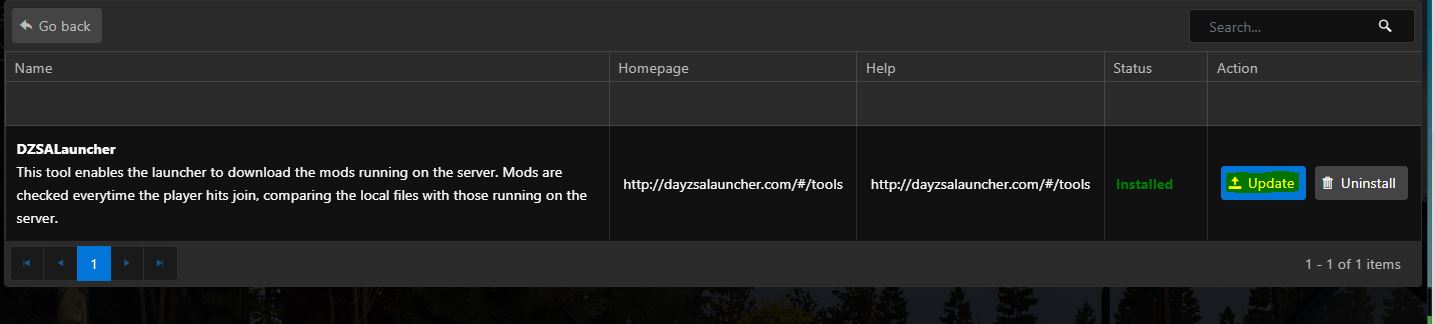
DZSA Launcher is installed on the server by default and does not require a separate installation.
To update it:

We use essential cookies to keep the client portal working. With your permission, we also use analytics and personalization cookies to improve our services and content.
More information about cookiesThese cookies are required for the website and client portal to function.
These cookies help us understand how visitors use our website and improve its performance.
These cookies support advertising and help us measure campaign performance.
These cookies allow us to tailor content and advertising to your preferences.