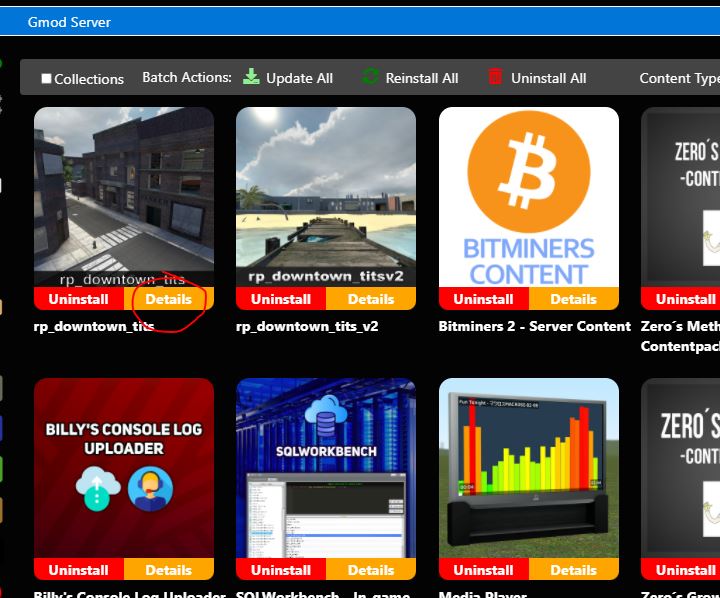
Players connecting to a modified server need the corresponding modifications and plugins.
After adding or changing a modification, click Fast Downloads Sync. This makes the required files available to connecting clients. Without them, players may see purple textures or ERROR models.
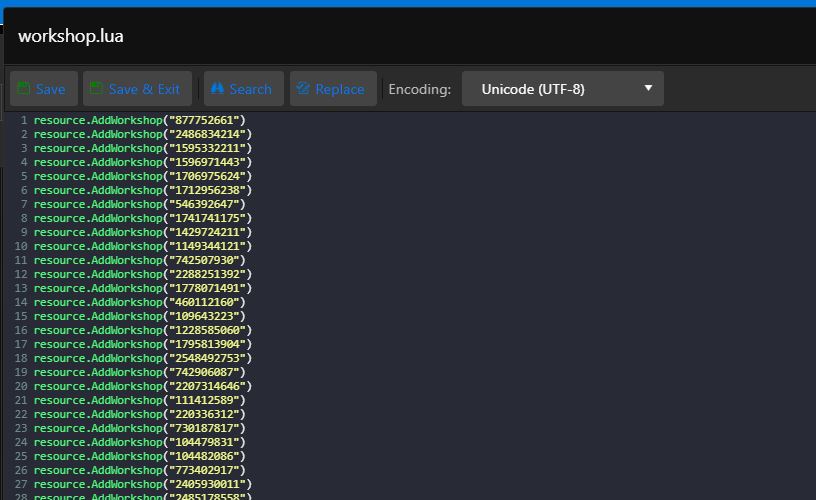
If a modification is not downloaded automatically, add its Workshop ID manually to workshop.lua:
- Open Configuration Files.
- Open workshop.lua.
- Add each Workshop ID in the following format:
resource.AddWorkshop("877752661")
resource.AddWorkshop("2486834214")
resource.AddWorkshop("1595332211") - Save the file. The result should match the example below.
- The Workshop ID is the numeric value in the modification's Steam Workshop URL.