If you have a server set up and want to run it, you need the client that connects to have all the modifications and plugins you have on the server.
To do this, each time you add a modification or edit, click on the "Fast Downloads Sync" button, this will allow connecting clients to automatically download any modifications you have on the server.
If the client does not have all the modifications, you will only see "ERROR" for items from that modification and will not be able to use them.
It may happen that some modifications are not automatically downloaded and then you have to manually add them all to the "workshop.lua" file
- Click on "Configuration Files" in the main menu
- Find the file "workshop.lua"
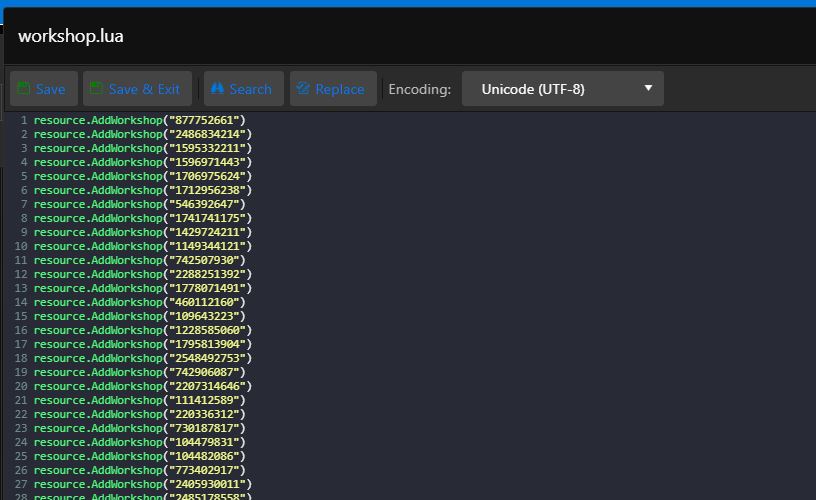
- Insert all the modification IDs, according to this example
resource.AddWorkshop("877752661")
resource.AddWorkshop("2486834214")
resource.AddWorkshop("1595332211")
resource.AddWorkshop("1596971443")
resource.AddWorkshop("1706975624")
resource.AddWorkshop("1712956238")
resource.AddWorkshop("546392647")
resource.AddWorkshop("1741741175")
resource.AddWorkshop("1429724211")
resource.AddWorkshop("1149344121")
resource.AddWorkshop("742507930")
resource.AddWorkshop("2288251392")
resource.AddWorkshop("1778071491")
resource.AddWorkshop("460112160")
resource.AddWorkshop("109643223")
resource.AddWorkshop("1228585060")
resource.AddWorkshop("1795813904")
resource.AddWorkshop("2548492753") - So the result looks like this

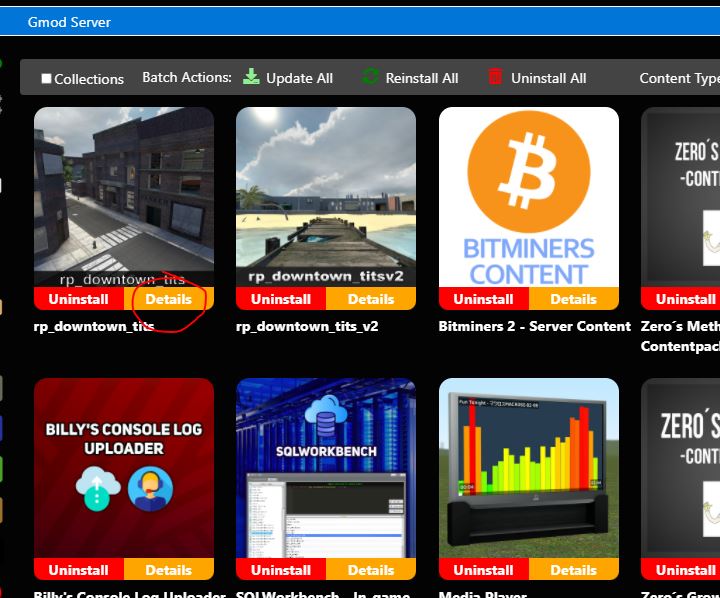
- You can always find the modification ID in the modification hypertext on the steam workshop