
- Stop the server.
- Open Configuration Files.
- Click Text Editor for adminlist.txt.
- Add your SteamID64, one ID per line. You can find it at https://www.steamidfinder.com/.
- Save the file.
- Start the server.
To use administrator commands, enable the in-game console under General > Console Enabled.
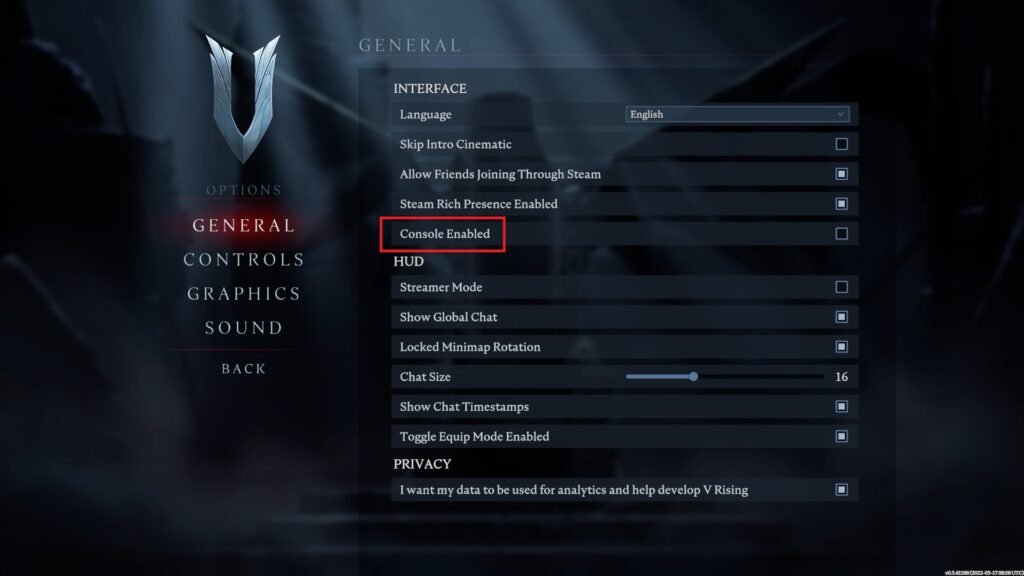
Open the console with the backtick key above Tab and enter list to display available commands.
