
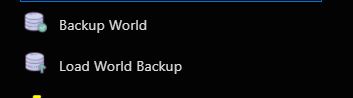
- Click Backup World in the left-hand menu.
- Select the world to back up.
- Click Execute.
- To restore a backup, click Load World Backup.
- Select the required backup from the drop-down list.
- Click Execute.
To restore only individual files, download and extract the backup, preferably over SFTP, and upload the required files to the server.
