
Click Services → My Services and select the service whose configuration you want to change.
In the left menu, select Actions → Upgrade/Downgrade Options.
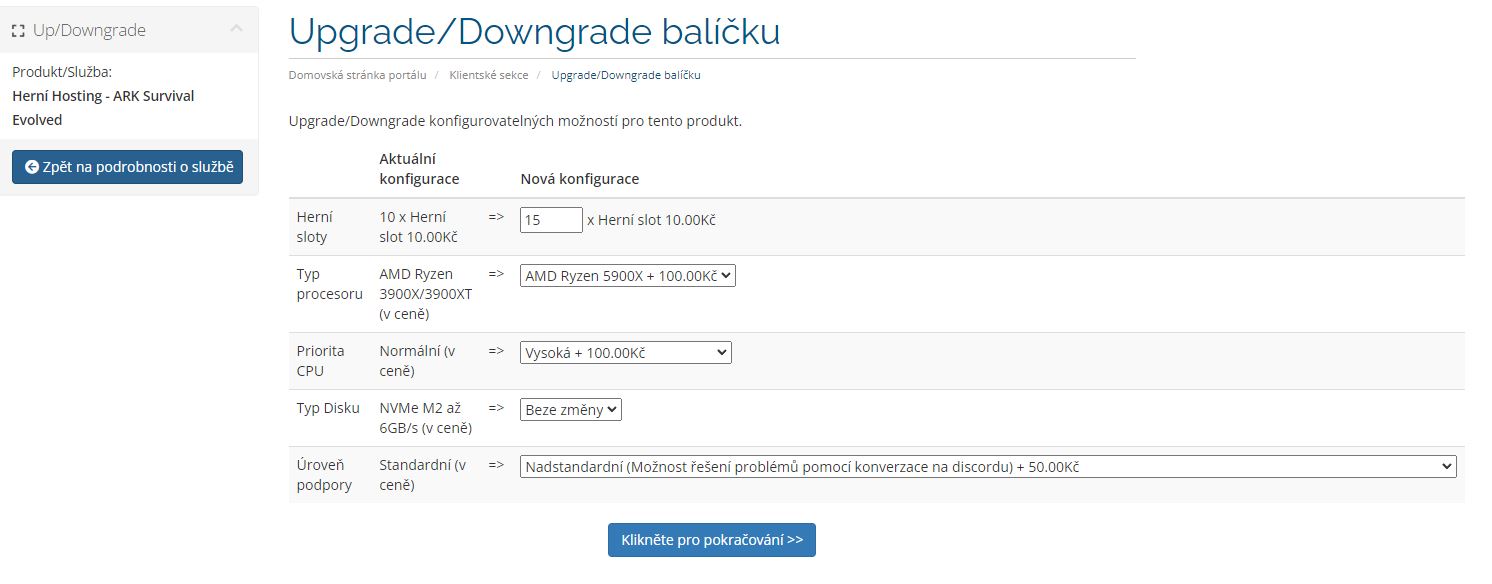
On the next screen, select the parameters you want to change.
Click Services → My Services and select the service whose configuration you want to change.
In the left menu, select Actions → Upgrade/Downgrade Options.
On the next screen, select the parameters you want to change.

We use essential cookies to keep the client portal working. With your permission, we also use analytics and personalization cookies to improve our services and content.
More information about cookiesThese cookies are required for the website and client portal to function.
These cookies help us understand how visitors use our website and improve its performance.
These cookies support advertising and help us measure campaign performance.
These cookies allow us to tailor content and advertising to your preferences.