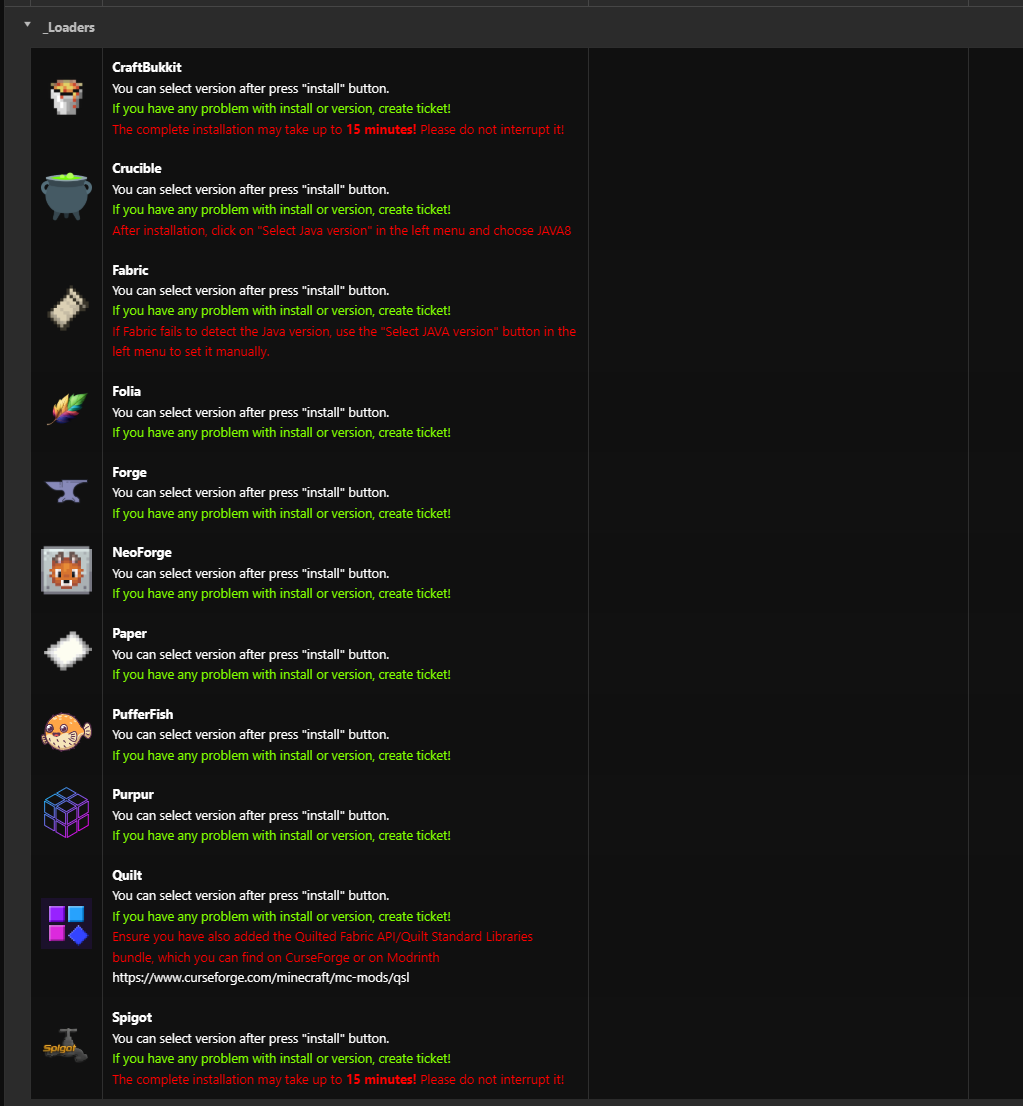
All the most commonly used loaders can be found in the main administration menu under the "Mod Manager" section.
- Log in to the administration panel.
- In the left menu, you will see the "Mod Manager" button.
- Select the desired loader and click "Install".
- Next, the administration will present you with a version selection—choose one and click the "Install" button.
The administration will handle everything automatically. If any intervention on the customer's part is required, it will be described with the respective loader.
In case of any installation issues, please contact support immediately via a ticket or on Discord. Thank you.